




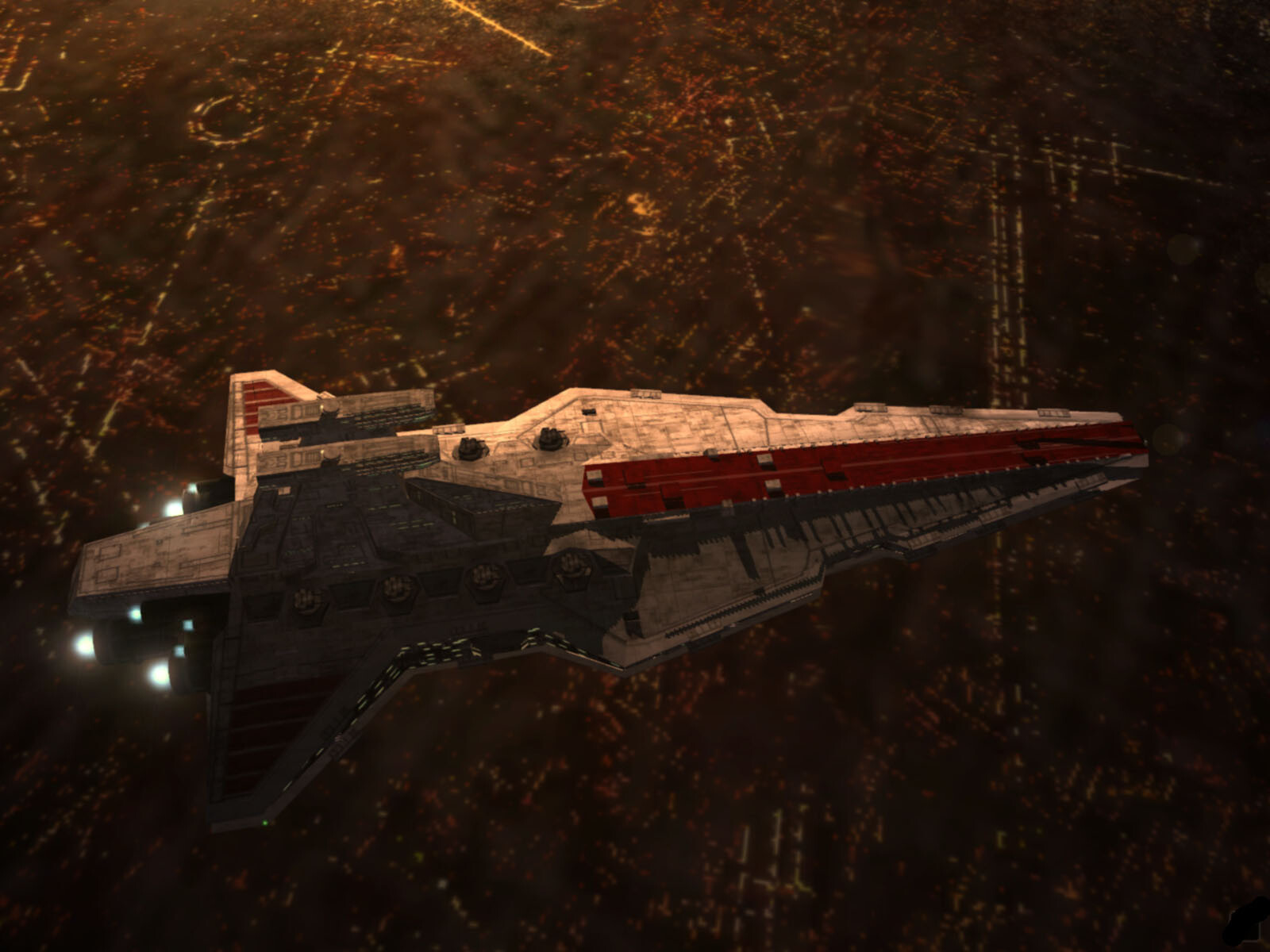
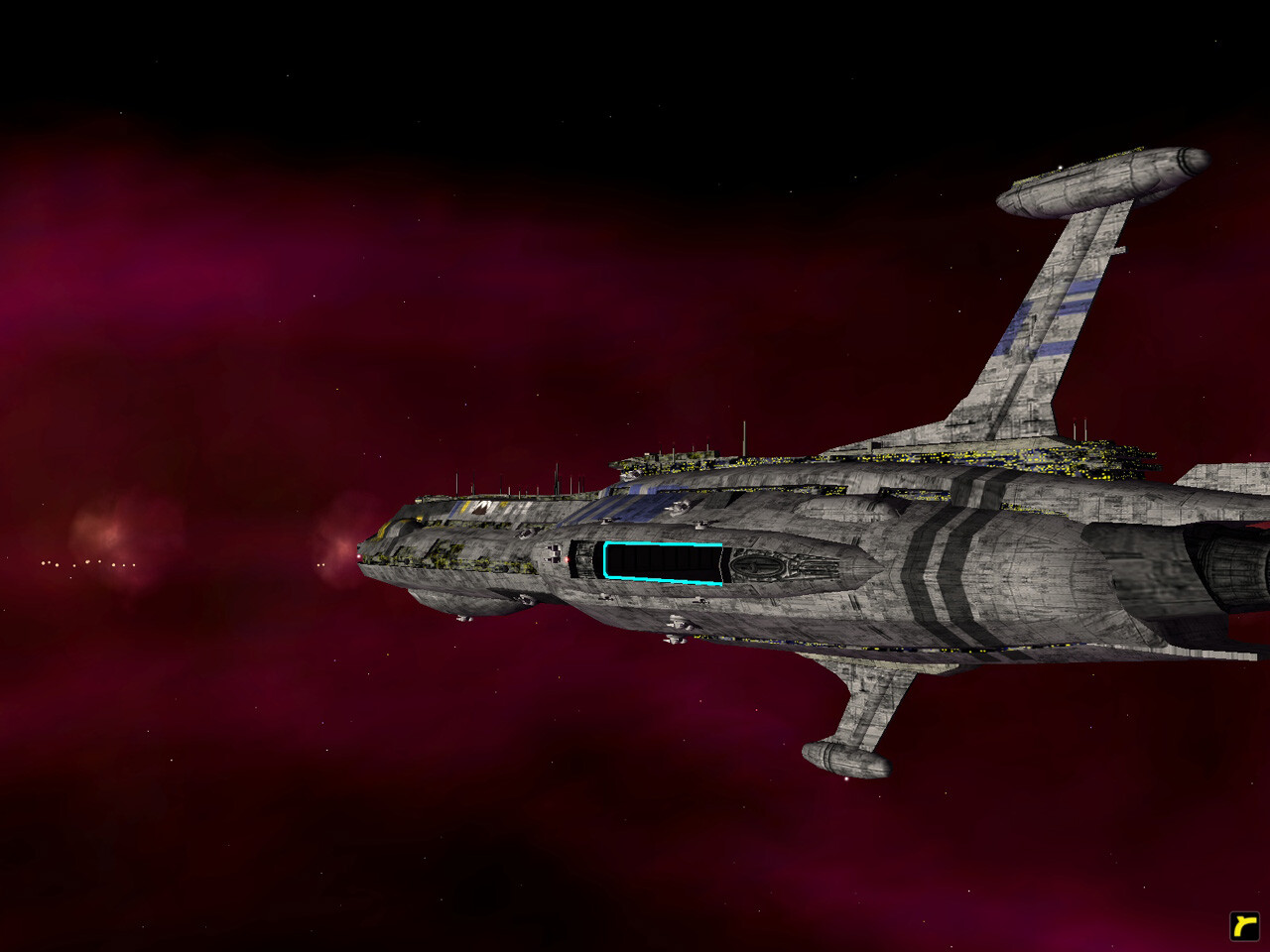
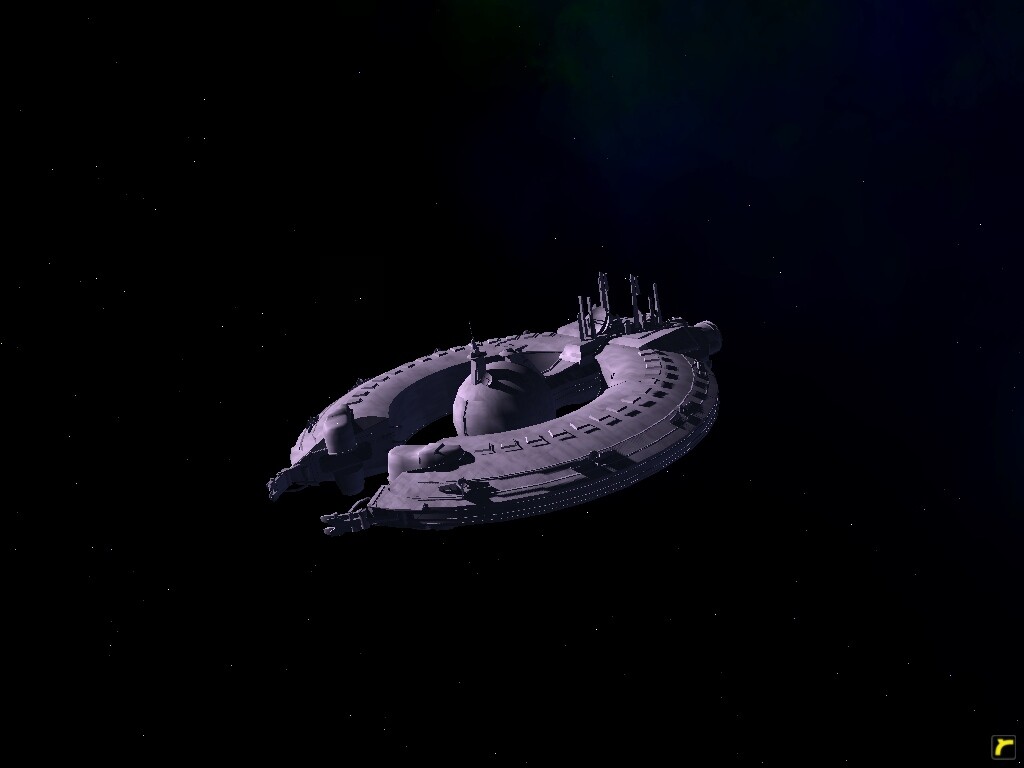
this is the latest version of the clone wars mod, it is a STANDALONE subset of warlords that only deals with the clonewars era and is intended to test new features that will be incorporated into the main mods next release. make sure you do not have any previous warlords or clonewars patches installed (there should be no folders besides animatics in the homeworld2/data folder) MAKE SURE YOU HAVE THE HOMEWORLD2 1.1 PATCH, IT IS REQUIRED!!! if you have issues with the mod and you have the patch and no other files installed, try making a new ingame profile, this will clear out old data.
this is the latest version of the clone wars mod, it is a STANDALONE subset of warlords that only deals with the clonewars era and is intended to test new features that will be incorporated into the main mods next release.
make sure you do not have any previous warlords or clonewars patches installed (there should be no folders besides animatics in the homeworld2/data folder)
if you have issues with the mod and you have the patch and no other files installed, try making a new ingame profile, this will clear out old data
Download Clone Wars 0.91 - Mod DB MAKE SURE YOU HAVE THE HOMEWORLD2 1.1 PATCH, IT IS REQUIRED!!!
You may only provide a review once you have downloaded the file.
There are no reviews to display.